
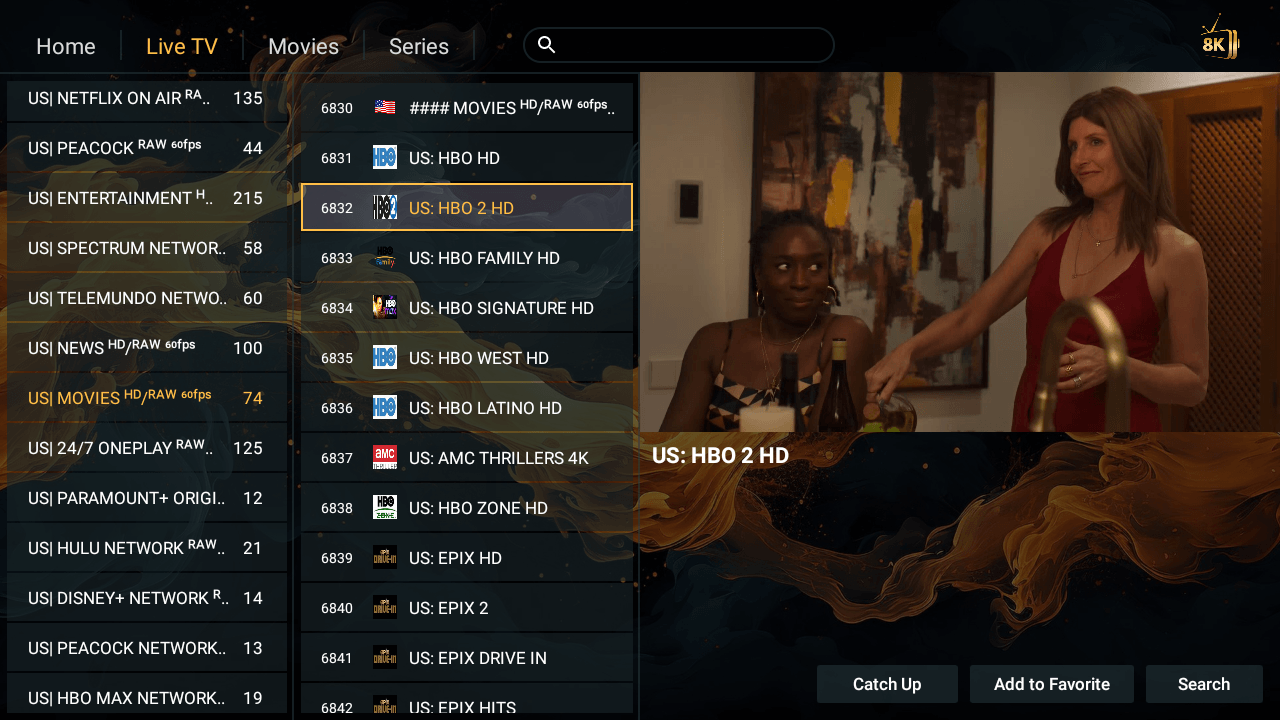
If your Amazon FireStick is still stuck with a handful of apps and a cable bill you resent paying, you are about to fix both in one move. The best IPTV on FireStick does not just replace your satellite box — it replaces the endless stack of subscriptions draining your account every month, and it does it on the little device already plugged into your TV.
We are not pretending to be a freebie. 8K Provider is a premium, paid IPTV service built for people who are serious about watching what they want, when they want, in proper quality. What we do offer is something most providers will not: the chance to test the entire service before you spend a penny — and, if you are still unsure, a second trial completely free.
In this guide you will see exactly how to get IPTV running on your FireStick in under five minutes, which of our elite apps to try first, how we handle non-FireStick devices, and how little it all costs.
Table of Contents
- 1. Try It Risk-Free: Your 24-Hour IPTV Trial
- 2. FireStick Setup in Under 5 Minutes (Downloader Code 2057169)
- 3. More Elite Apps to Test (Downloader Codes)
- 4. Not on FireStick? Smart TV, MAG and Custom Playlists
- 5. Movies & Series: 99% Coverage + Custom Requests
- 6. 24/7 Support, 7 Days a Week
- 7. Transparent Pricing (£)
Want to see it running on your FireStick tonight?
Start your free 24-hour trial — no card, no payment details, full access.
💬 Claim My Free Trial on WhatsApp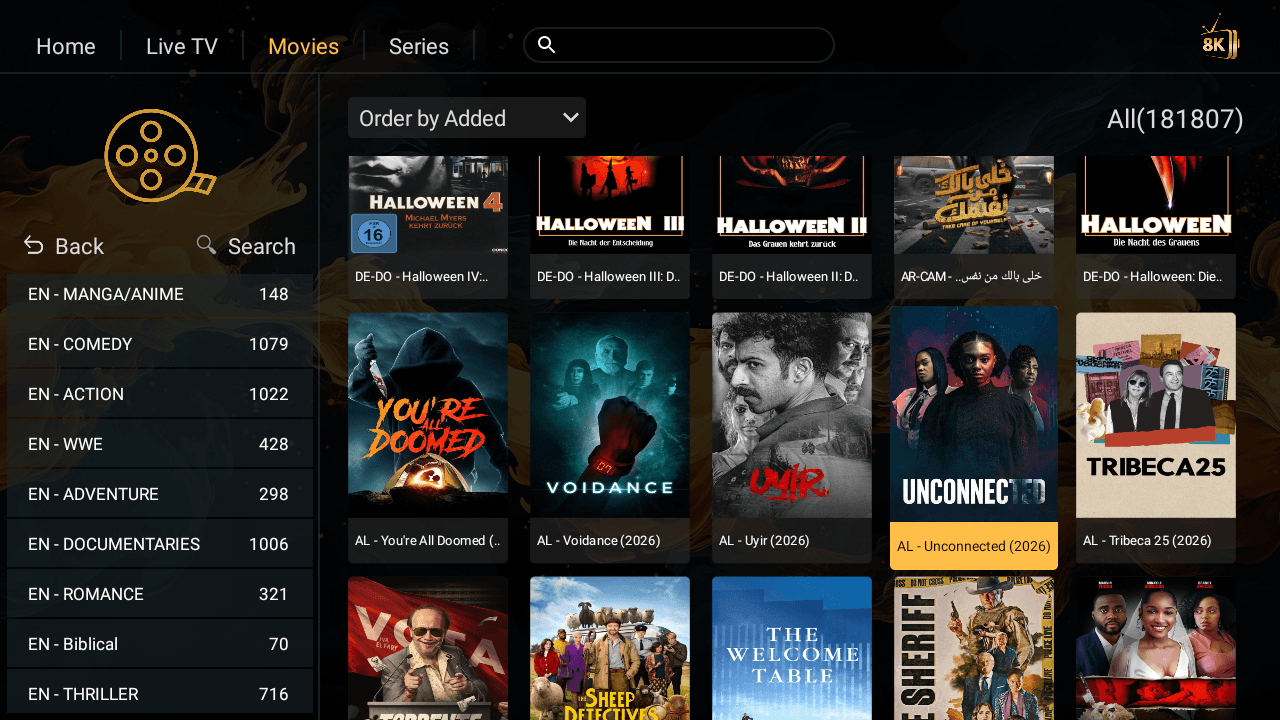 1. Try It Risk-Free: Your 24-Hour IPTV Trial
We would rather you judge the service with your own eyes than take our word for it. That is why every new customer can open the full experience for 24 hours, absolutely free.
- No credit card and no payment details — we do not ask for a thing.
- Every real feature unlocked — this is not a stripped-down demo. You get the live channels, the sports, and the full movie and series library.
- Still unsure afterwards? If you would like a second look, just ask — we will happily arrange another free trial. We are that confident in the quality.
There is no trick and no auto-renewal. Test it, enjoy it, and decide when you are ready.
2. FireStick Setup in Under 5 Minutes (Downloader Code 2057169)
This is the part people worry about — and it turns out to be the easiest part of all. If you own a FireStick, you are about five minutes from watching.
- On your FireStick, open the Downloader app (install it free from the Amazon App Store if you do not have it).
- Type in the code 2057169 and press Go.
- Install 8K Player VIP — our dedicated, high-performance player.
- Send us a message on WhatsApp and we will give you your username and password.
- Enter them in the app and you are live — channels, movies and series, ready to go.
That is it. No satellite dish, no engineer visit, no technical background required. If you would like a hand at any point, our team will walk you through it step by step — full written instructions are on our Setup Guides page.
3. More Elite Apps to Test (Downloader Codes)
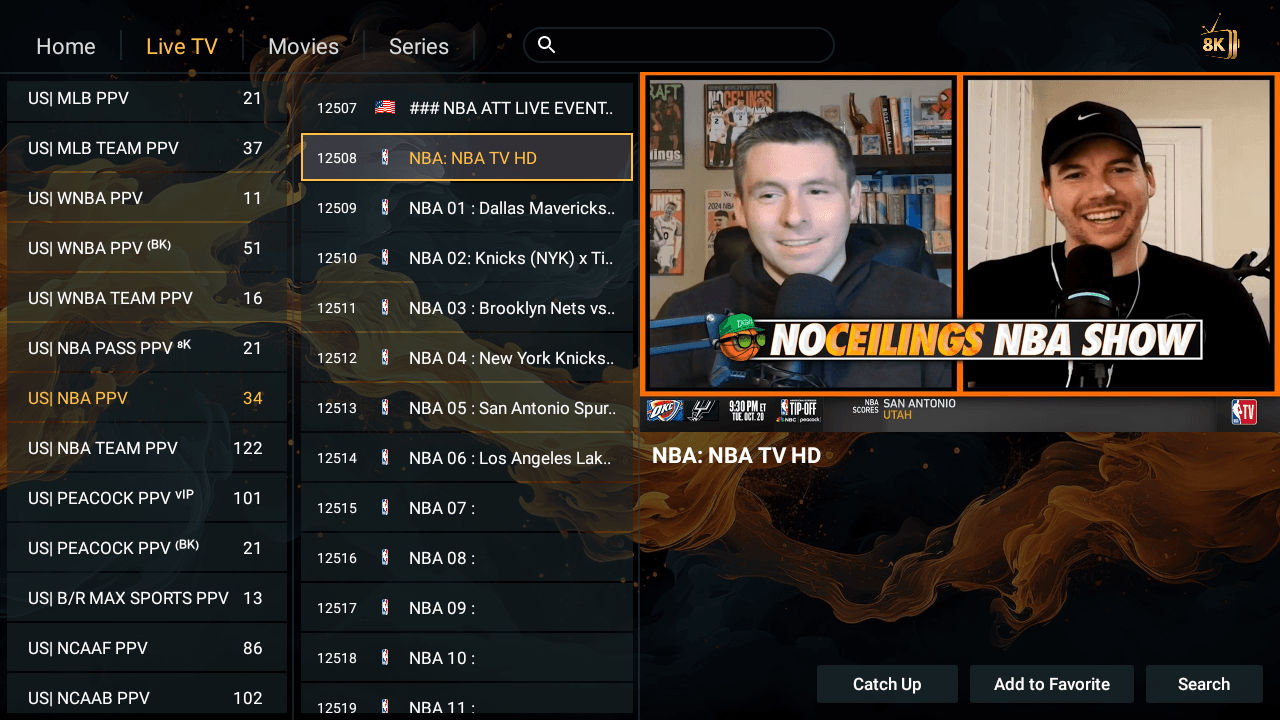
Some viewers like to find their perfect player before committing. So we give you several to try — all installed through the Downloader app, all ready to test:
- 8K Player VIP — code 2057169 (our flagship and the simplest of all).
- 8K Player Prime — code 9149440.
- TiviMate 8K Pro — code 3410676.
- 8K Player Plus — code 6124314.
Take your time and test them all — use each one for a while and keep whichever feels best on your screen. Your subscription works across them, so there is nothing to lose. If you would rather compare how our apps stack up against other services first, it can help to see how leading UK IPTV providers compare.
4. Not on FireStick? Smart TV, MAG and Custom Playlists
FireStick is only one way in. Our service runs across Smart TVs, Android boxes, Apple TV, MAG devices, phones, tablets, PC and Mac — and for the apps that use playlists, such as IBO Player or Bob Player, setup is just as painless.
Here is all you do:
- Send us your MAC address and key, and we will build and load your playlist for you.
- Want your favourite channels at the very top? Tell us and we will custom-sort them so the ones you watch most are always first.
- Prefer to organise things yourself? We can give you a control panel link so you can manage and reorder your own categories.
Not sure which app suits your device? Message us on WhatsApp, tell us what you own, and we will point you to the right one. You can also explore the full line-up on our Channels page.
5. Movies & Series: 99% Coverage + Custom Requests
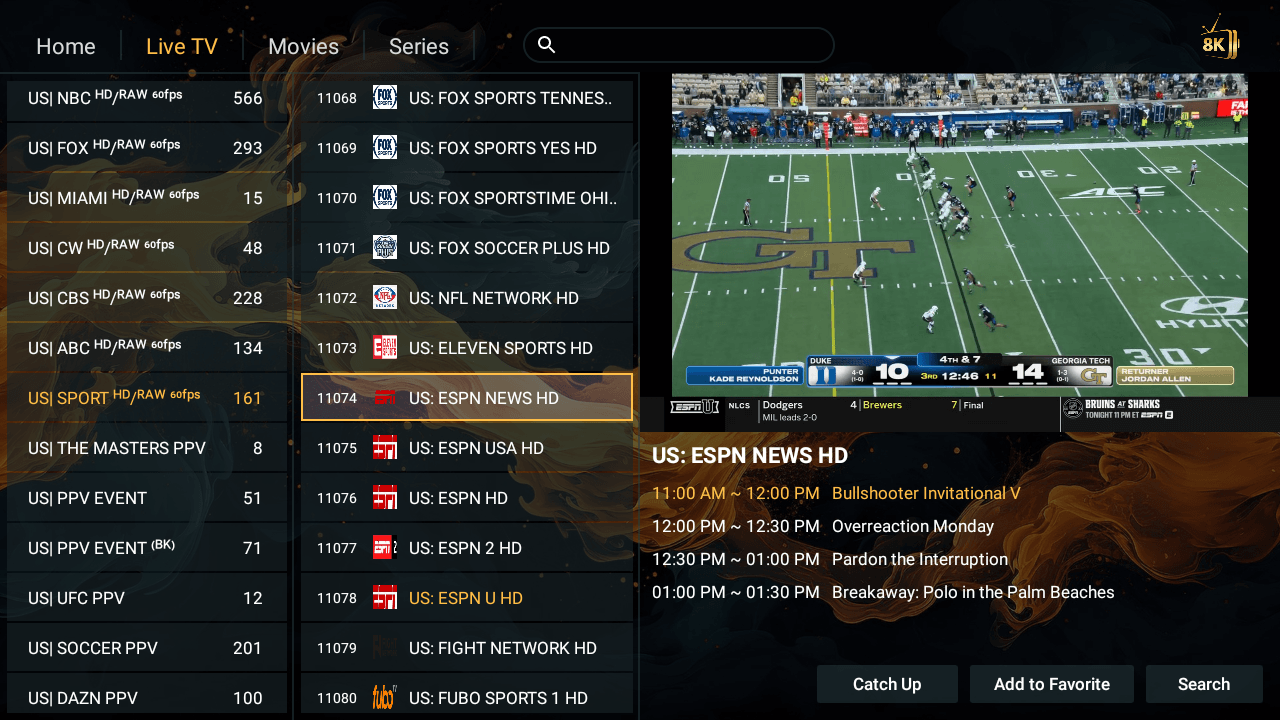
Our on-demand library already holds 99% of the world's movies and series, in crisp HD and 4K — new releases included. It is rare to go looking for something and not find it.
And on the rare occasion you do? Send us the title and release year on WhatsApp and we will add it to your library. Most requests are handled quickly, so nothing you want to watch stays out of reach for long.
If you like to plan your viewing around big releases, it is worth knowing how a long-term plan can work out cheaper — see how a 12-month IPTV subscription compares, or browse a wider round-up of the best IPTV subscriptions.
6. 24/7 Support, 7 Days a Week
When you need help, you want a person — not a chatbot and not a ticket that vanishes. Our team is available every day of the week to sort any issue instantly, whether that is your first setup, a question about your player, or a channel you would like added. Whatever the hour, we are here.
7. Transparent Pricing (£)
One subscription, every device, no hidden fees. Every plan includes the full feature set — 50,000+ live channels, 200,000+ movies and series, HD/FHD/4K/8K quality, and our 7-day money-back guarantee.
- 1 Month — £19.99
- 3 Months — £25.99 (popular choice)
- 6 Months — £39.99
- 12 Months — £59.99 (best value — see how it compares to a 12-month IPTV plan)
See every detail on our Pricing page — and remember, you can try it all before choosing.
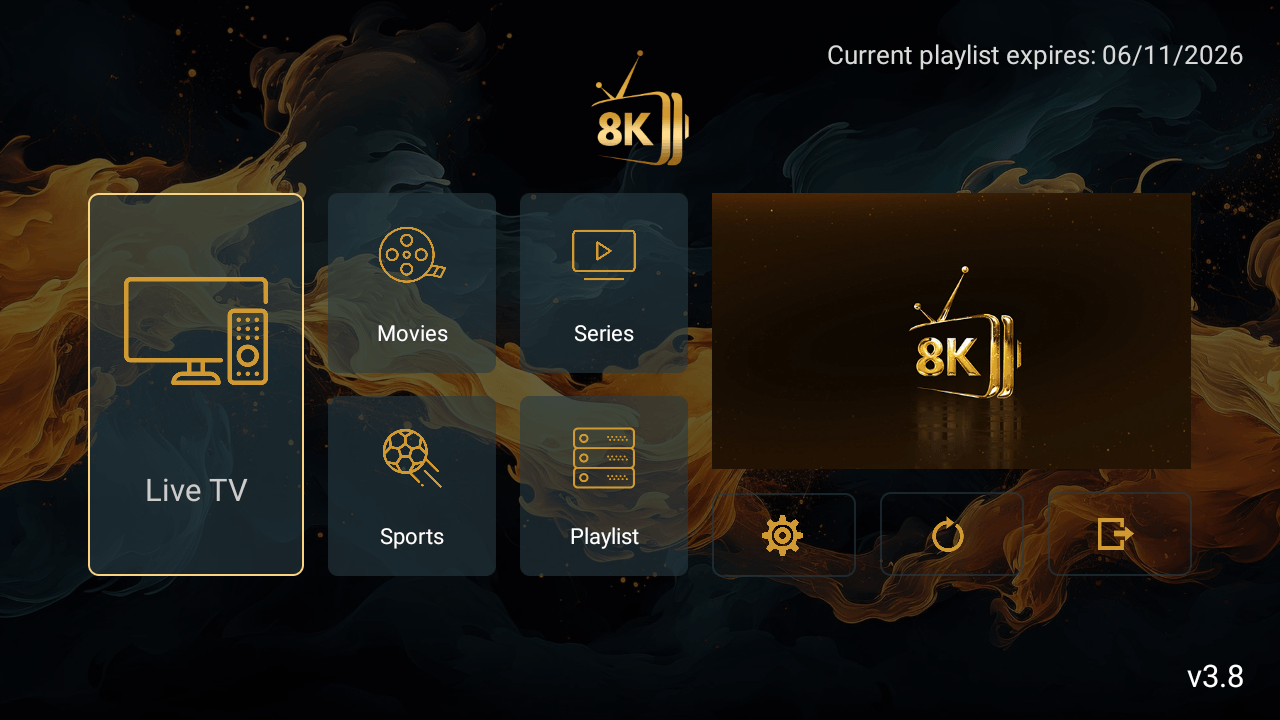
Why FireStick Owners Choose 8K Provider
If you are comparing options, it helps to see how a well-established UK service approaches the same things — take a look at a leading UK IPTV provider for reference. But the essentials are simple: a five-minute setup, apps you can test freely, playlists handled for you, a library that covers almost everything, round-the-clock support and fair, transparent pricing.
Put it on your TV tonight. Open the trial, install 8K Player VIP, and see for yourself why FireStick is the easiest way into premium IPTV.
Get IPTV on your FireStick now
Free 24-hour trial · Downloader code 2057169 · no card required · 7-day money-back guarantee
💬 Claim My Free Trial on WhatsApp